Free download (2 MB) Previous versions
- Version
- 2.3.45
- Developer
- Blace Plugins
- Languages
- English
- License type
- K'ed by Monter Group
| Download | 2 MB |
|---|---|
| Previous versions | 2 on file |
Screenshots
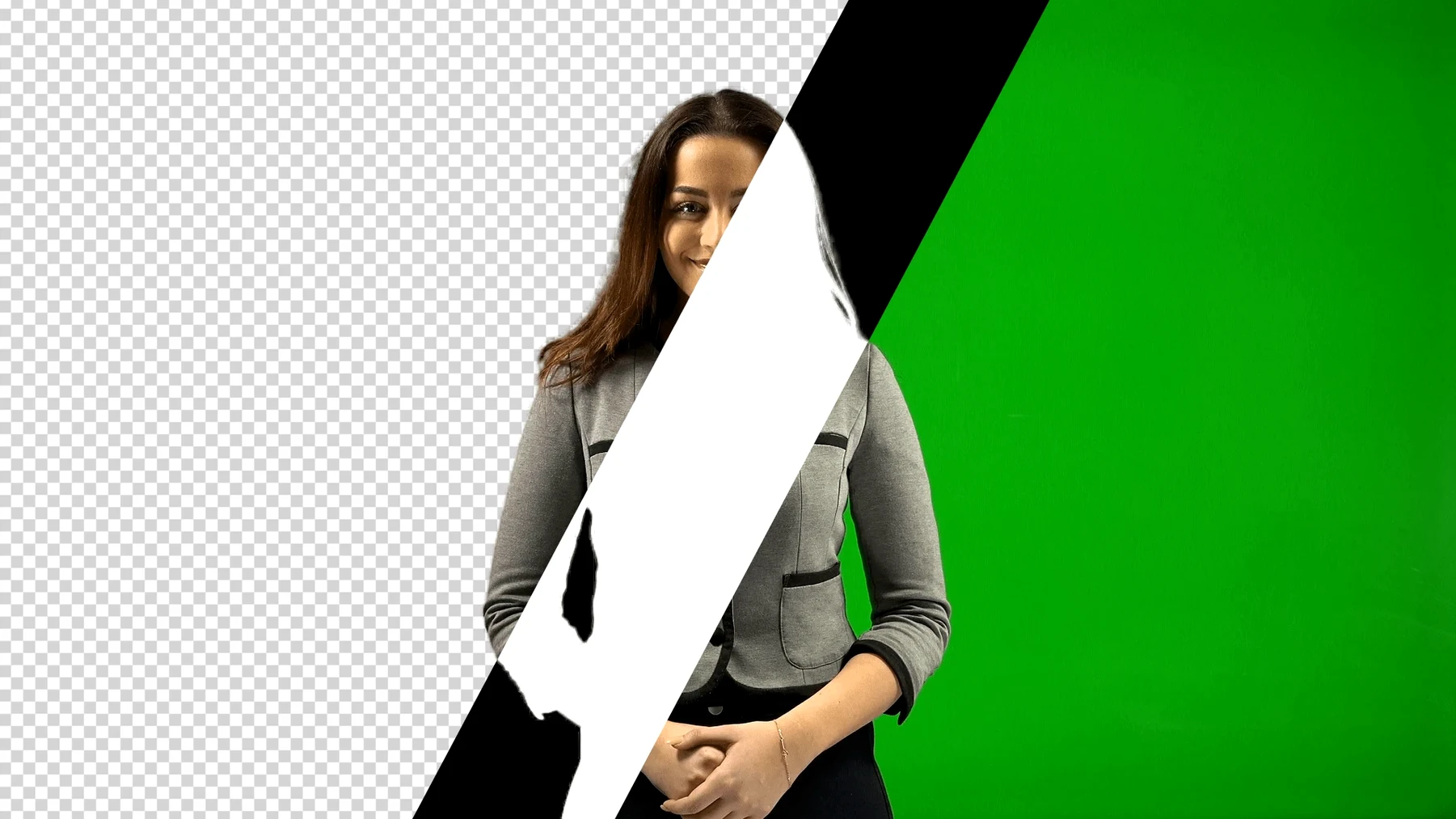
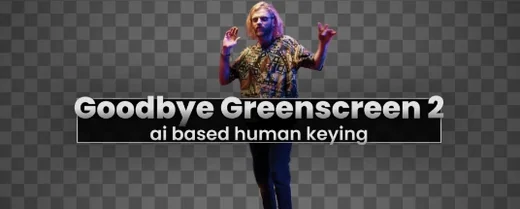
Editors and motion designers who spend too much time on keying will find a direct workflow in Goodbye Greenscreen 2. It is an AI plugin for After Effects and Premiere Pro that handles automatic human matting. The controls focus on what matters: the AI-based color key handles green-screen footage, and the automatic masking covers full-body shots without manual rotoscoping.
CUDA-Accelerated 4K+ Rendering Controls
Version 2.3.45 switches to a new AI backend that accelerates rendering of large resolutions above 4K on CUDA with CUDA Memory Sharing. The BiRefNet integration improves edge detail on complex hair and transparent objects. You work inside the host app’s effects panel, adjust the matte, and let the plugin process the rest.
Workflow Fit
The plugin runs on both Intel and Apple Silicon Macs. It is compatible with After Effects 2026, 2025, 2024, and 2023, and Premiere Pro 2024, 2023, and 2022. The interface is in English. Install via the standard installer, and the plugin appears under the effects list.
Daily Time Savings for VFX Editors
VFX editors and compositing artists get the most out of this plugin because the AI handles the repetitive parts. If you cut talent out of green-screen footage daily, the automatic masking for portrait and full-body shots saves you from drawing keyframes. Premiere Pro editors who need quick mattes for lower thirds or overlays can drop the effect on a clip and move on. After Effects users working on multi-layer composites keep their timeline clean because the matting workflow combines the video and cut-out scene into one matte channel instead of stacking masks.
Premiere Pro Green-Screen Cleanup Walkthrough
You drop a clip of a speaker on a green background into a Premiere Pro sequence. You open the effects panel, locate Goodbye Greenscreen 2, and drag it onto the clip. The AI color key cleans the background in a few seconds. You check the preview and see the BiRefNet edges holding the speaker's hair detail. You switch to After Effects for the same project, apply the plugin to a full-body shot of someone walking, and the automatic mask tracks the motion. You adjust the matte tolerance once, then render the composite. The whole process takes minutes instead of a manual keying session.
Who Gets the Most Value From This Plugin
Editors who regularly cut interview footage against green screens benefit the most. The AI handles the repetitive keying, so you focus on timing and transitions instead of tweaking spill suppression. Compositing artists who layer multiple subjects into a single scene also save time — the automatic full-body matting keeps each cut-out clean without needing separate roto passes. Independent creators producing content alone get a practical advantage too. The plugin runs 100% locally, so you don't need a dedicated render station or an internet connection to process footage.
A Tuesday Morning Edit Session
I pull a batch of talking-head clips from a shoot last week. The talent is standing in front of a wrinkled green screen — not ideal, but it's what we have. I open Premiere Pro, drop the first clip into a sequence, and apply Goodbye Greenscreen 2 from the effects panel. The AI color key strips the background in a few seconds. I check the matte preview and see the edges hold the hair detail without that halo effect you get with older keyers.
Next clip is a full-body shot of someone walking across frame. I apply the same plugin, and the automatic mask follows the motion without me touching a keyframe. I switch to After Effects for the final composite because I need to place the subject behind a motion background. The matting workflow combines the video and cut-out scene into a single matte channel, so I don't have to build a separate track matte. I adjust the tolerance once, render the test pass, and it's done. The whole session takes about fifteen minutes. The same work used to take an hour of manual keying and masking.
- Switched to a new AI backend.
- Accelerates rendering of large resolutions above 4K on CUDA with CUDA Memory Sharing.
- Includes BiRefNet integration.
- macOS (Intel or Apple Silicon)
- Adobe After Effects 2026, 2025, 2024, or 2023
- Adobe Premiere Pro 2024, 2023, or 2022
Questions I get about this line
It is compatible with After Effects 2026, 2025, 2024, and 2023, and Premiere Pro 2024, 2023, and 2022.
The install order
- Perform the standard installation procedure.