Free download (2.5 GB) Previous versions
- Version
- 20.5.487
- Developer
- Side Effects Software Inc.
- Languages
- English
- License type
- Included
| macOS range | macOS 10.14 or later |
|---|---|
| Chip | Apple Silicon, Intel 64-bit |
| Download | 2.5 GB |
| Previous versions | 3 on file |
Screenshots
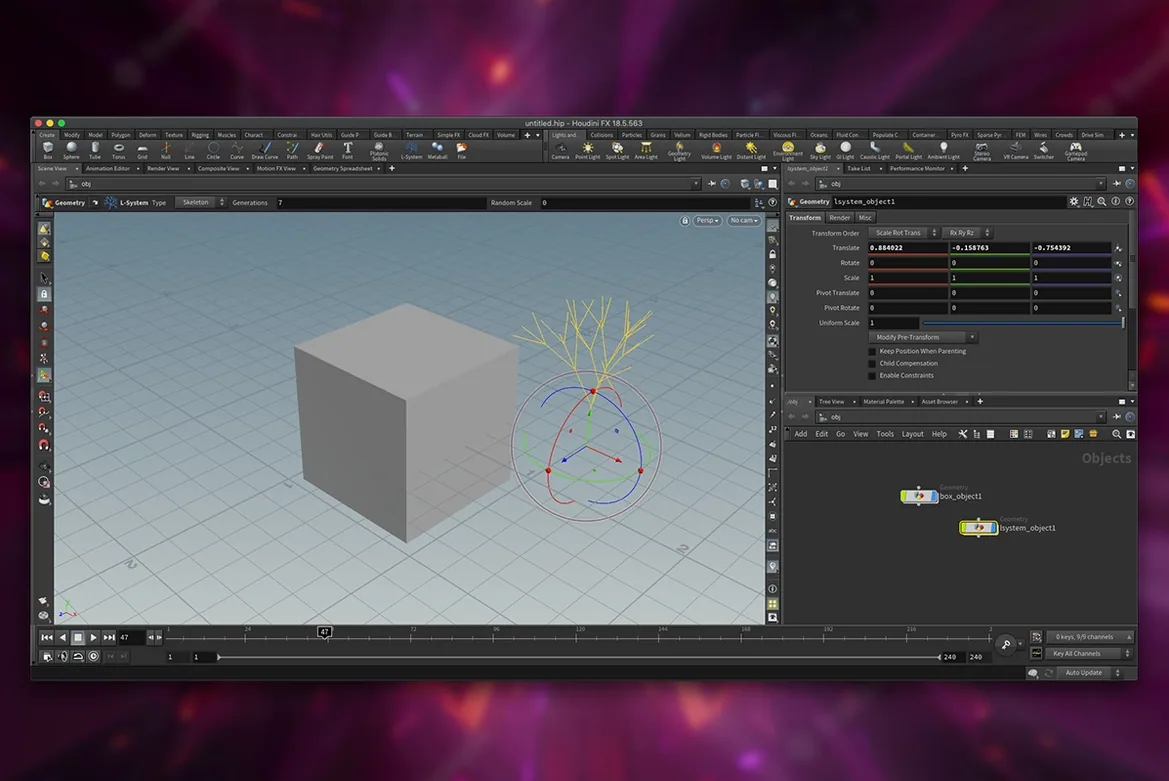
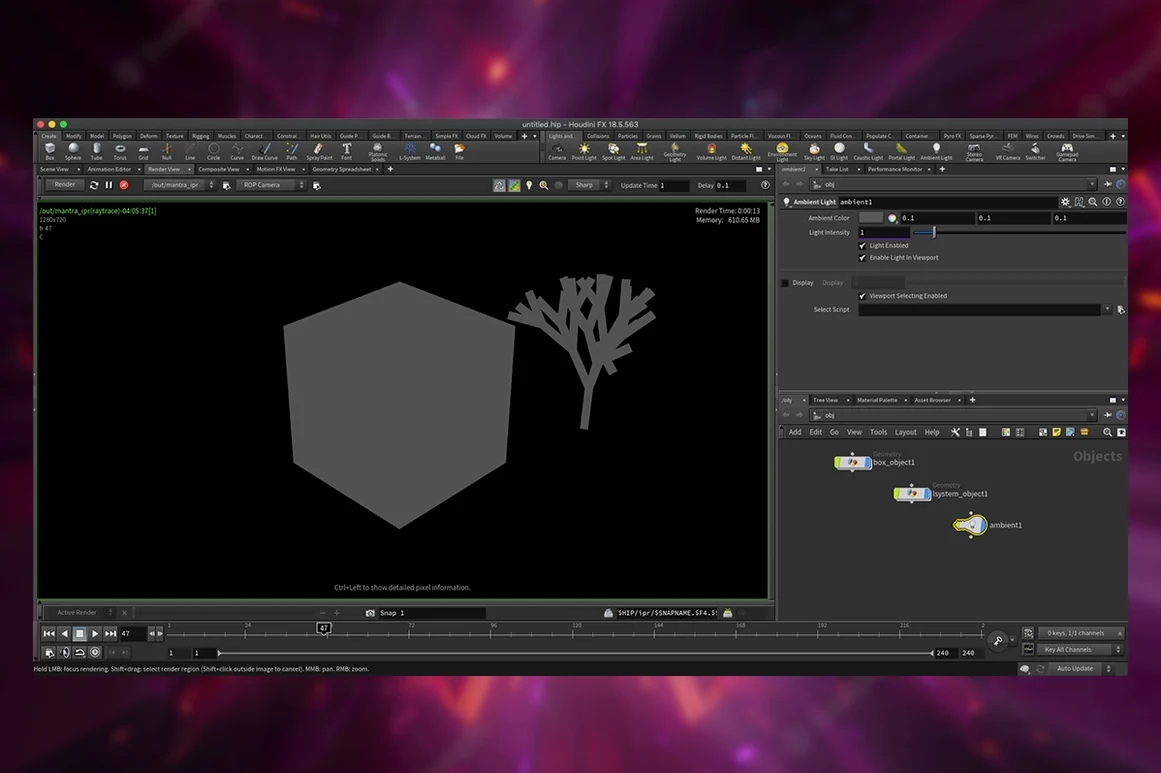
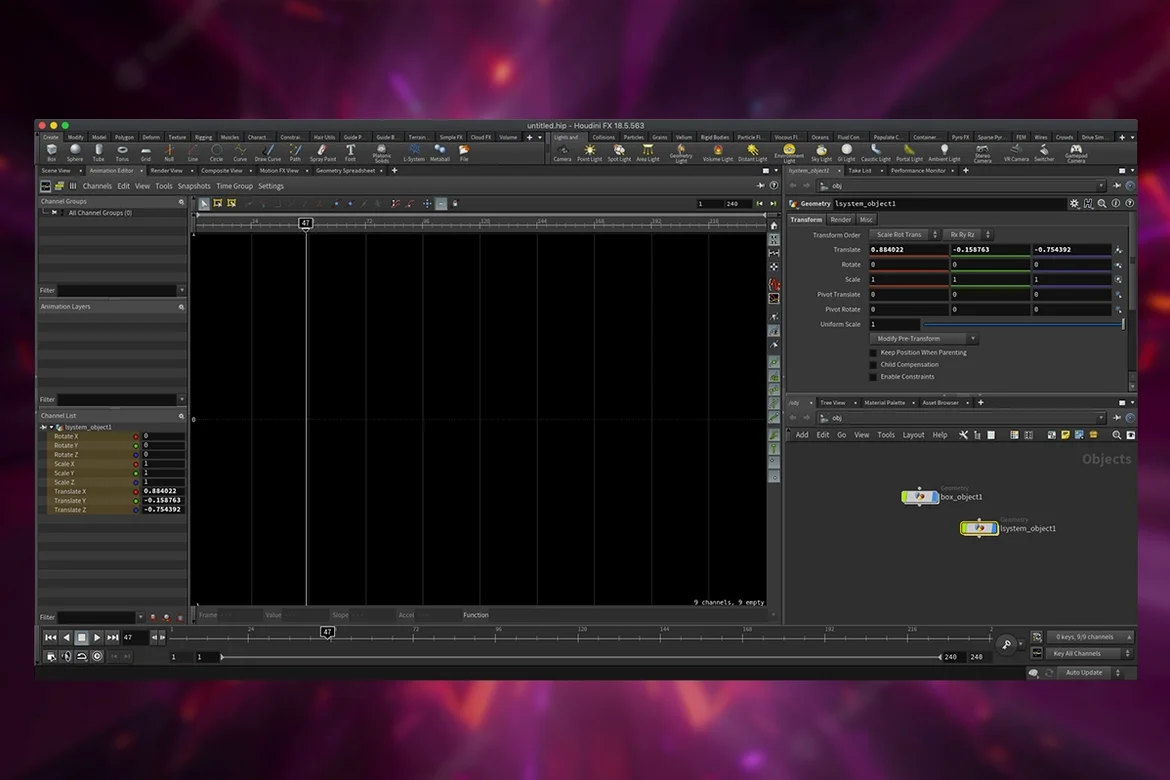
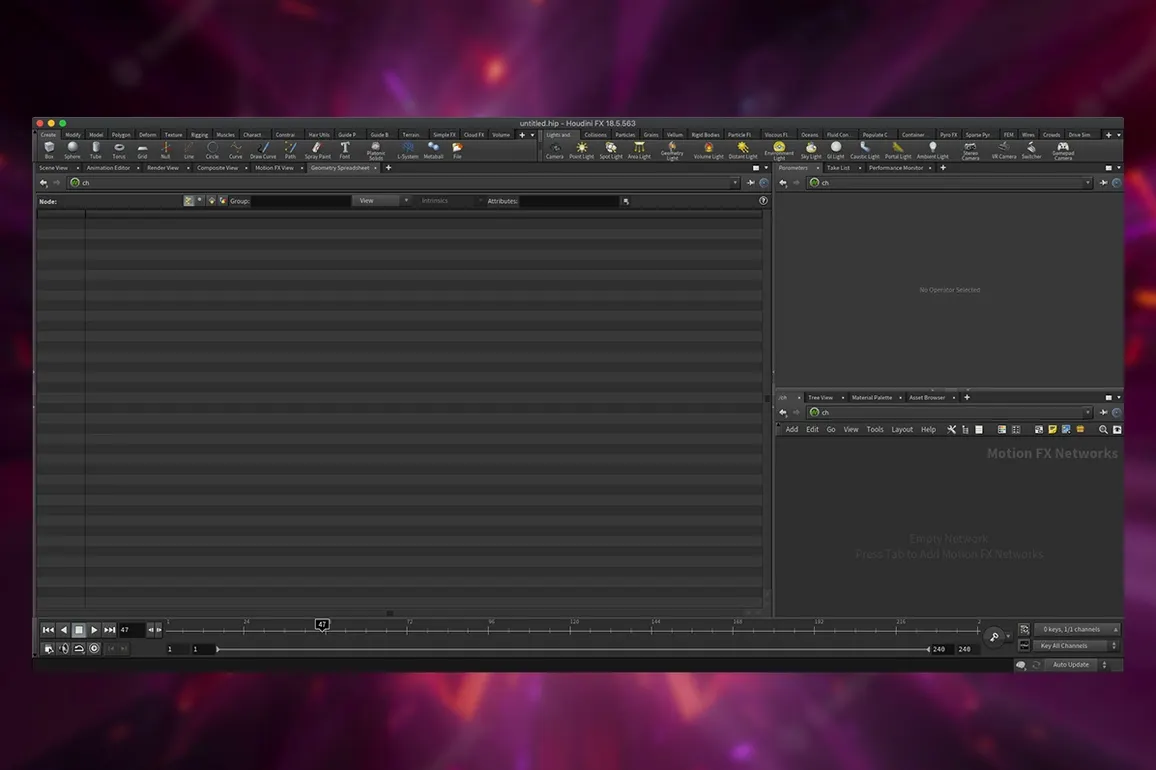
Click a screenshot to see it wider.
Houdini 20.5 ships with USD 24.03, and that alone matters if you feed pipelines that live in USD. But the deeper draw is the node graph — every step of a procedural build stays editable, from a single point to a full pyro sim.
- Build geometry procedurally. Start with a sphere, scatter points, and wire up VEX nodes to drive placement. Change a seed and the whole network updates.
- Simulate what needs to move. Liquids, fire, smoke, and fur all run inside the same node network, so you can couple a cloth sim to a rigid body without exporting between apps.
- Animate without keyframes. Use the procedural animation tools to drive motion from noise, expressions, or other nodes. When you need audio-synced timing, the built-in audio tools handle that too.
- Get it out. Export to standard formats, or hand the network to a host app via Houdini Engine. Need LightWave? Save an .MDD file and move on.
The viewport handles shadows and OpenGL 2 rendering, so you can check lighting without leaving the graph. Houdini runs natively on Apple Silicon and Intel Macs, requires macOS 10.14 or later, and the interface is English. For film, TV, or game work, it's the kind of tool you grow into — and keep finding new corners of.
Build Muscle Memory with Simple Nodes
Don't try to learn the entire node library at once. Start with the basic geometry creation tools — spheres, cubes, and primitives — and wire them into simple shape operations. That builds muscle memory for the node graph before you layer in simulations.
- Set up your viewport display. Enable shadow display and OpenGL 2 from the viewport menu early. Getting lighting feedback from the start saves rework later.
- Save a template file. Create a blank scene with your preferred viewport settings, grid spacing, and default node layout. Start every project from that template.
- Learn the Python console. Houdini includes integrated Python support. Open the Python panel and run simple commands —
print( hou.node('/obj').path() )— to get comfortable with the scripting layer. - Map your export pipeline. Identify the formats you'll actually use. If you exchange files with LightWave, test the .MDD export on day one. If you work with game engines, check the FBX import with NURBS support.
Daily Workflow Improvements in 20.5
The 20.5 build touches areas that affect daily work directly. These aren't headline features — they're the kind of under-the-hood improvements that change how often you pause.
- Muscles and tissue. The updated tools let you attach procedural muscle geometry to bones more reliably. For character work, that means fewer manual adjustments after the initial setup.
- Hair, fur, and feathers. The PDG (procedural dynamics) updates in this area reduce the guesswork in grooming simulations. The node graph handles density and flow with fewer workarounds.
- Rigid body dynamics. Objects that need to slide, stack, or collide now respond more predictably inside the same node network as your soft-body sims. No more switching between solvers.
- APEX and KineFX. These scripting and animation extension points get faster evaluation in 20.5. If you write custom VEX expressions, the iteration cycle is noticeably shorter.
- OpenCL optimizations. The simulation engine uses OpenCL more efficiently. For fire and smoke sims, that means the viewport stays responsive while particles calculate.
Avoid Overcomplicating Your First Scene
- Overcomplicating the first scene. New users often drop every node type into a single file. Start with one simulation type — fire or liquid, not both — until you understand how the node network passes data.
- Ignoring the NURBS tools. Polygon modeling is easier to see, but NURBS gives you smooth curves with fewer nodes. Beginners who skip NURBS end up fighting faceted geometry.
- Not using the Debris and Shatter tools. When you need to break a model into pieces, reaching for manual cuts wastes time. The Shatter and Break tools split geometry procedurally, and the Debris tool separates particles with controllable scatter. Learn them early.
- Skipping the Illustrator import. If your pipeline includes vector art, the Adobe Illustrator file support can save hours of manual tracing. Beginners assume it's for print work and never try it.
- Forgetting to save intermediate networks. Because the node graph is non-destructive, you can always branch. Save a clean version before adding a complex sim, so you can backtrack without rebuilding from scratch.
- Houdini 20.5 brings updates across animation, muscles and tissue, hair, fur, feathers, PDG, Houdini Engine, APIs, plug-ins, modeling, geometry, viewport, UI, scripting, rigid body dynamics, VEX, and OpenCL.
- USD version updated to 24.03.
- macOS 10.14 or later
- Apple Silicon or Intel 64-bit Mac
- Interface: English
The install order
- Install the package.
- Follow the activation instructions included in the package.