Free download (19 MB) Previous versions
- Version
- 4.0.0
- Developer
- Alfons Schmid
- Languages
- English, German
- License type
- K'ed by TNT team
| macOS range | OS X 10.11 or later |
|---|---|
| Chip | Apple Silicon, Intel 64-bit |
| Download | 19 MB |
| Previous versions | 1 on file |
Screenshots
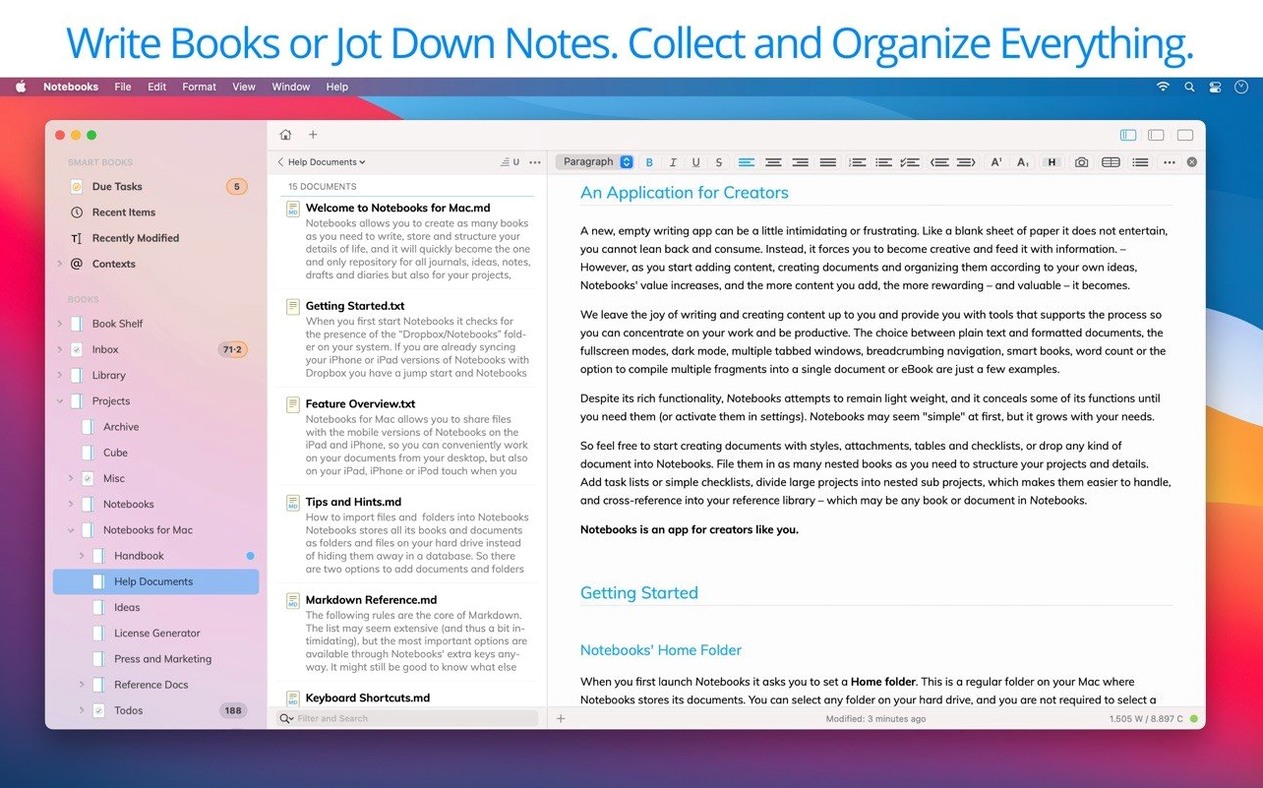
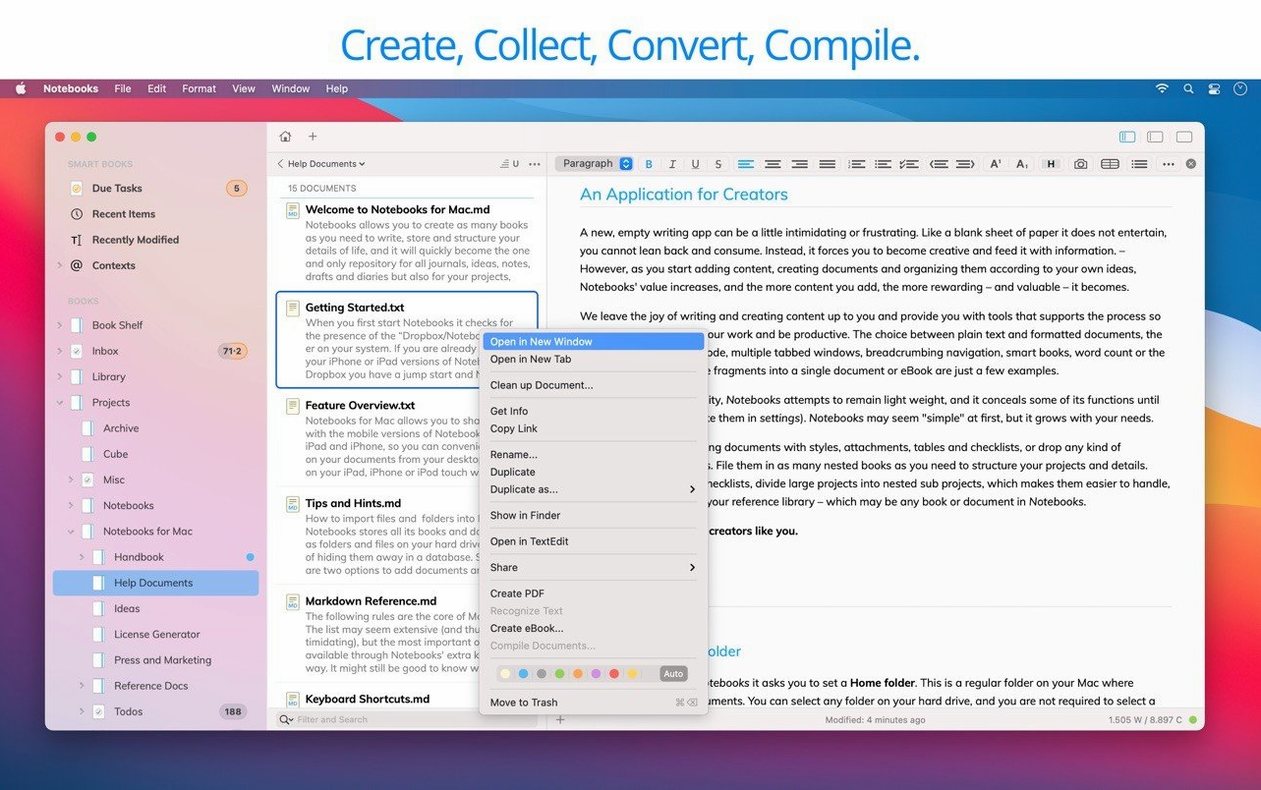
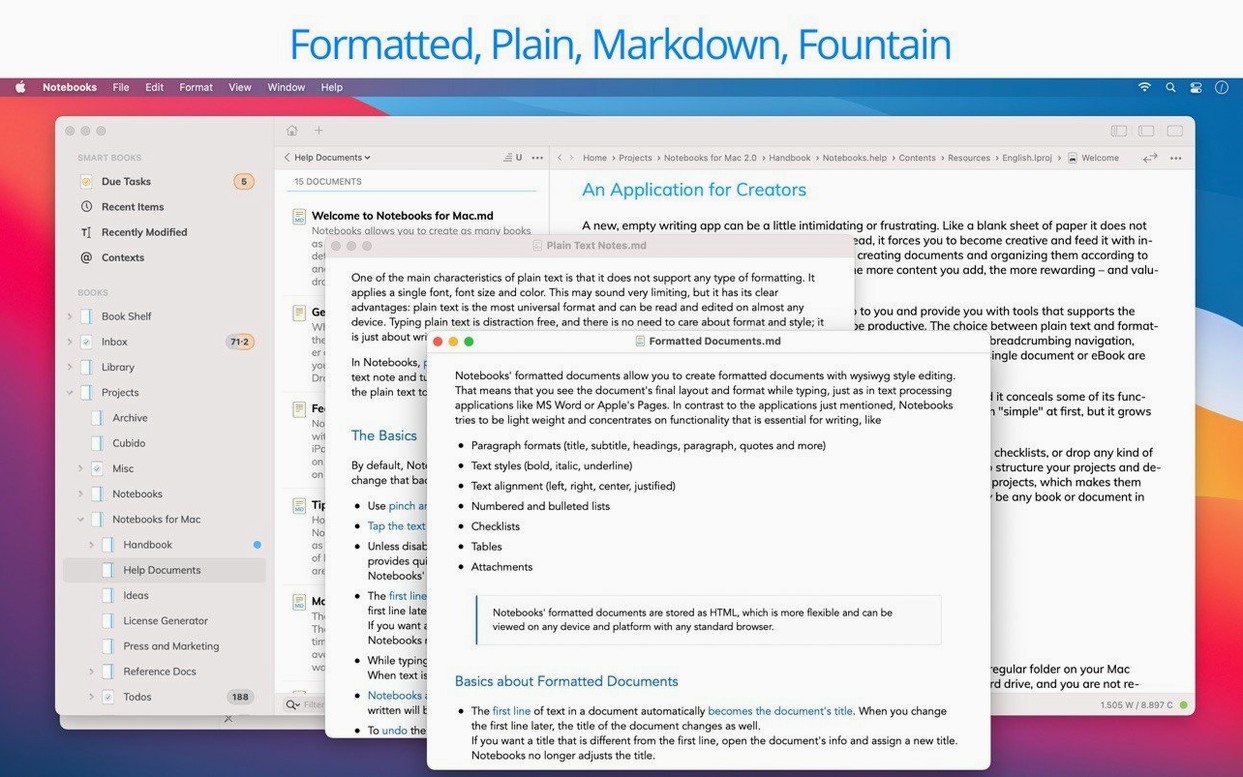
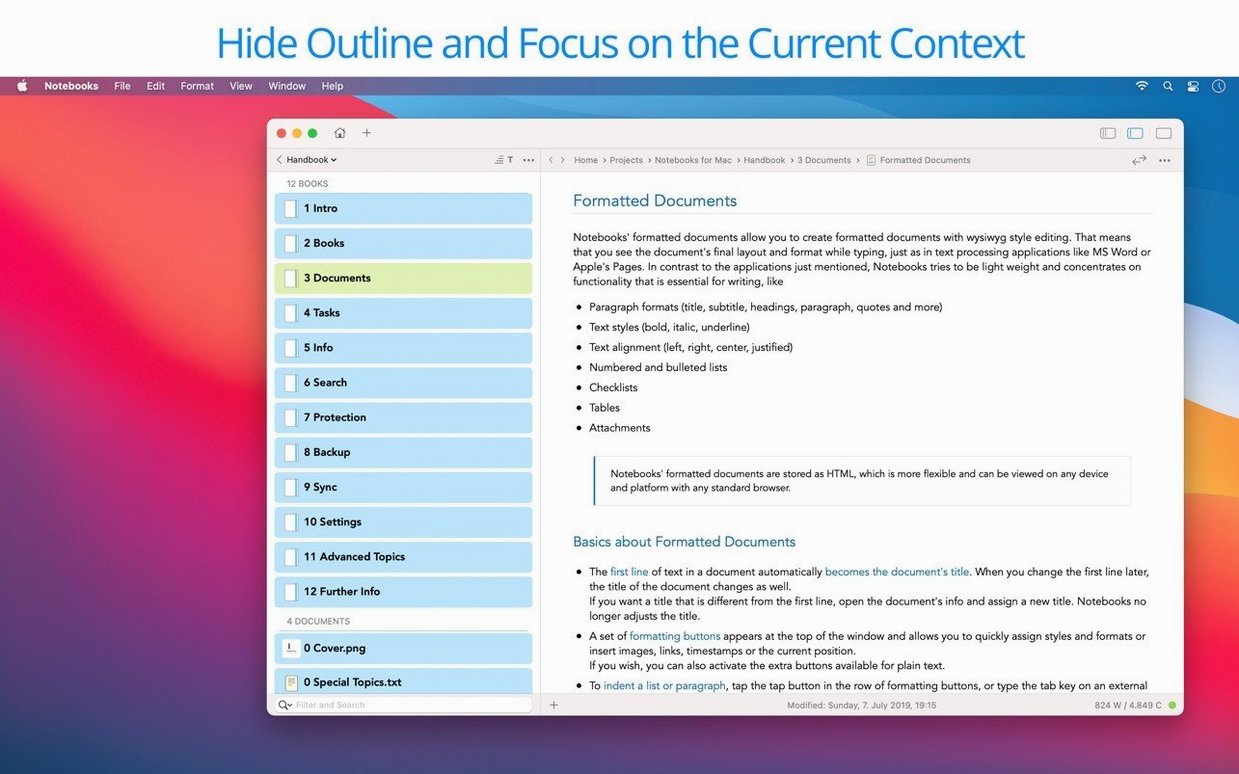
Click a screenshot to see it wider.
You keep a project journal, a few dozen reference PDFs, and a task list that changes hourly. Notebooks 4.0 for Mac handles all of it in one place. It stores journals, ideas, notes, drafts, stories, diaries, projects, task lists, documents, and files — and it can create PDFs and eBooks from that content.
Runs on Intel and Apple Silicon
Notebooks 4.0 needs macOS 10.11 or later, and it runs on both Intel and Apple Silicon. The developer recommends enabling Spotlight search on the drive where you keep your documents for the best experience. That is the only real setup consideration. If you use an older Mac, this is one of the few modern note apps that still supports El Capitan.
Personal Wiki and Zettelkasten
Think of it as a personal Wiki and Zettelkasten. You can link notes together, organize files, and manage tasks. Task extraction works consistently, so turning a line of text into a to-do is quick. The app syncs across devices and shares files with the iPad and iPhone versions. Interface languages are English and German. Version 4.0 adds a new icon, better Liquid Glass support, and refines how the outline and document list behave.
One workflow: from idea to task
Open a new note, type a thought, then select the line and extract it as a task. Notebooks 4.0 turns it into a to-do with a checkbox. Add a due date or tag if needed. When the task is done, check it off. The note stays linked to the project, so you never lose context.
Inline PDF and Office Viewing
Notebooks for Mac torrent is a misnomer, as the app syncs your notes securely across devices. The app displays PDFs and Office documents inline, so you do not need extra viewers. If you keep a diary, you can write in plain text or Markdown and export as a PDF later. The document list stays predictable, and the outline view helps you jump between sections. For notebooks macos users, syncing with Dropbox or a WebDAV server keeps files current on your iPad and iPhone too.
Small conveniences that are easy to miss
The app reads plain text, PDF, web pages, MS Office documents, photos, video, and music without opening a separate program. That means one window holds your meeting notes and the PDF agenda beside it. The document list in version 4.0 behaves more predictably, so you do not lose your place when you switch between folders.
Typing performance is improved in this release. If you write long entries in Markdown, the editor keeps up without stuttering. The refined outline view lets you collapse and expand sections, which helps when you are scanning a long journal entry or a project outline.
Syncing without friction
Notebooks supports Dropbox and WebDAV servers. Set it up once, and your notes, tasks, and files sync to the iPad and iPhone versions automatically. You do not need to remember to export or email files. The app shares files directly with the mobile versions, so you can start a note on your Mac and finish it on your iPad.
PDF and eBook creation
You can turn a collection of notes into a PDF or an eBook from inside the app. Write your story or manual in plain text or Markdown, then export. The process is straightforward: select the documents, choose the format, and you have a file ready to share or archive. The app handles the formatting, so you do not need to fiddle with page layouts.
Requirements at a glance
- macOS 10.11 or later
- Intel or Apple Silicon
- Spotlight search enabled on the document drive (recommended)
- SIP disabled for installation
- Refinements for reliability and visual consistency
- Improved everyday editing
- More consistent task extraction
- Better typing performance
- Predictable outline and document list behavior
- More convenient PDF handling
- Enhanced Liquid Glass support
- New app icon
- Resolved interface inconsistencies
- macOS 10.11 or later
- Intel or Apple Silicon
- Spotlight search enabled on the drive holding documents (recommended)
Questions I get about this line
Yes, Notebooks 4.0 supports both Intel and Apple Silicon architectures, so it runs natively on M-series Macs.
The install order
- Mount the disk image.
- Run Open Gatekeeper Friendly.
- Press Enter in Terminal to bypass Gatekeeper.
- Drag the app to the Applications folder.
- Ensure SIP is disabled before launching.