
Free download (243 MB) Previous versions
- Version
- 15.3.1
- Developer
- Apple
- Languages
- Russian, English, German, Arabic, Hungarian, Vietnamese, Greek, Danish, Hebrew, Indonesian, Spanish, Italian, Catalan, Chinese (Traditional), Chinese (Simplified), Korean, Malay, Norwegian, Polish, Portuguese, Romanian, Slovak, Thai, Turkish, Ukrainian, Finnish, French, Hindi, Croatian, Czech, Swedish, Japanese
- License type
- K'ed by Antibiotics x TEAM EDiSO
| macOS range | macOS 15.6 or later |
|---|---|
| Chip | Apple Silicon, Intel 64-bit |
| Download | 243 MB |
| Previous versions | 1 on file |
Screenshots

Click a screenshot to see it wider.
The current version of Numbers Creator Studio for Mac, 15.3.1, brings a few practical tweaks while keeping the core spreadsheet work solid. Sheet tabs can now be colored, and images in spreadsheets are easier to swap out from the Content Hub. You can also hide or show individual sheets for quicker navigation.
Build a Table
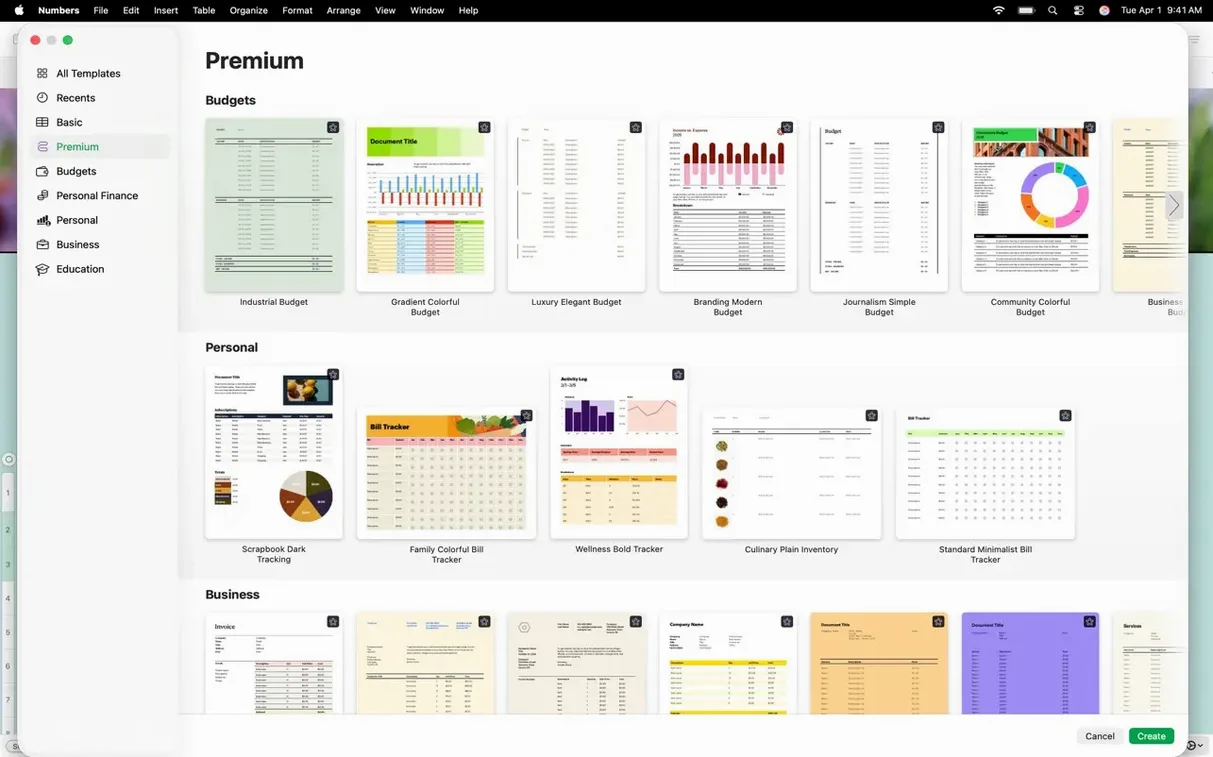
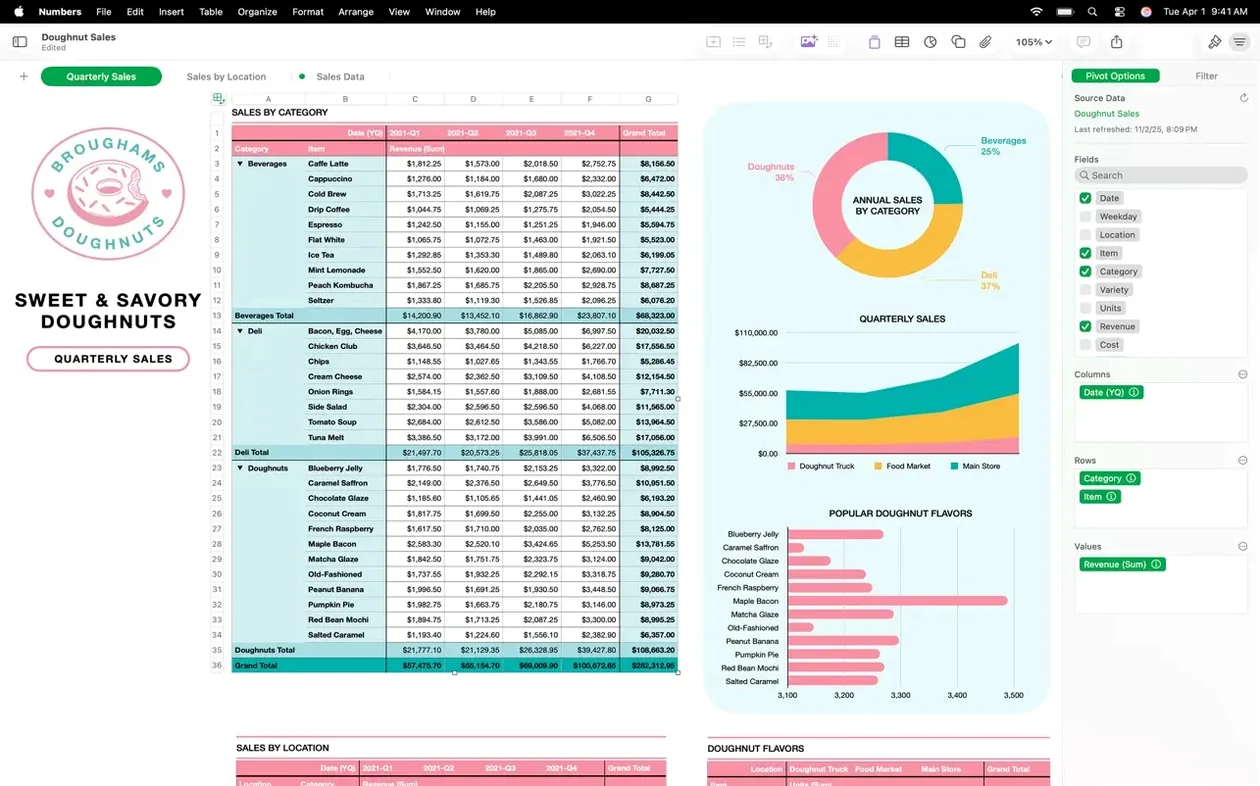
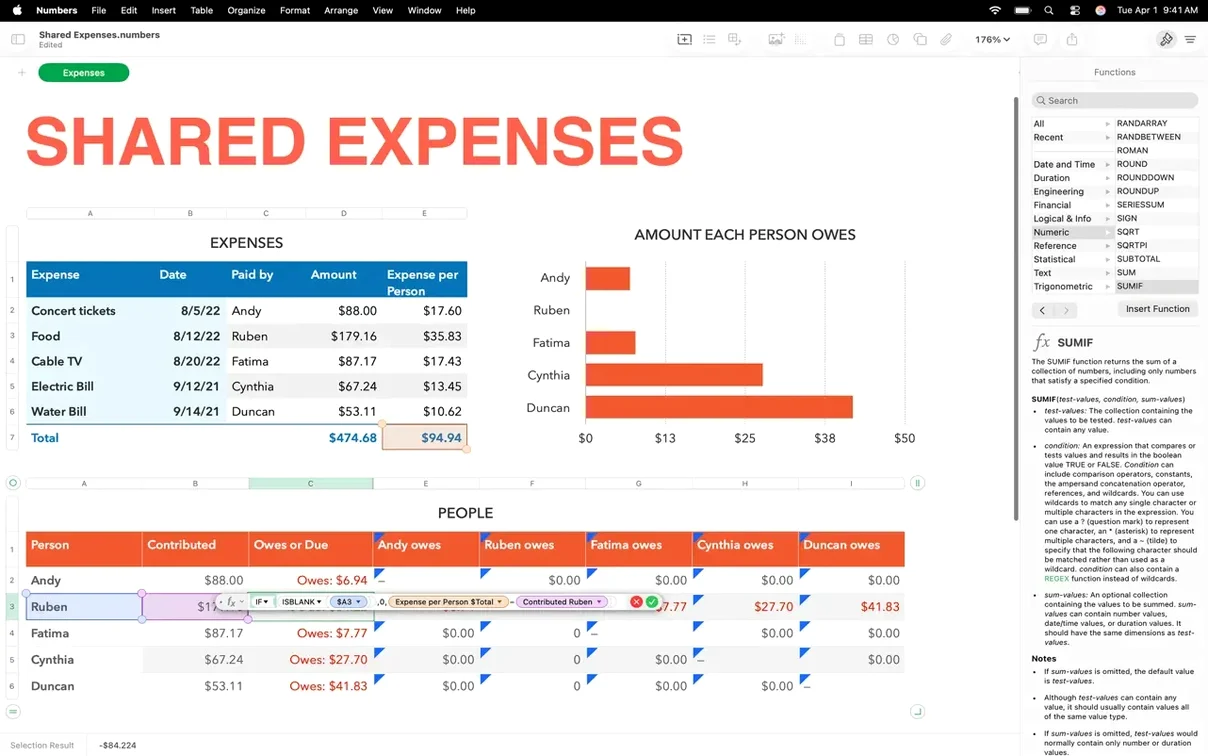
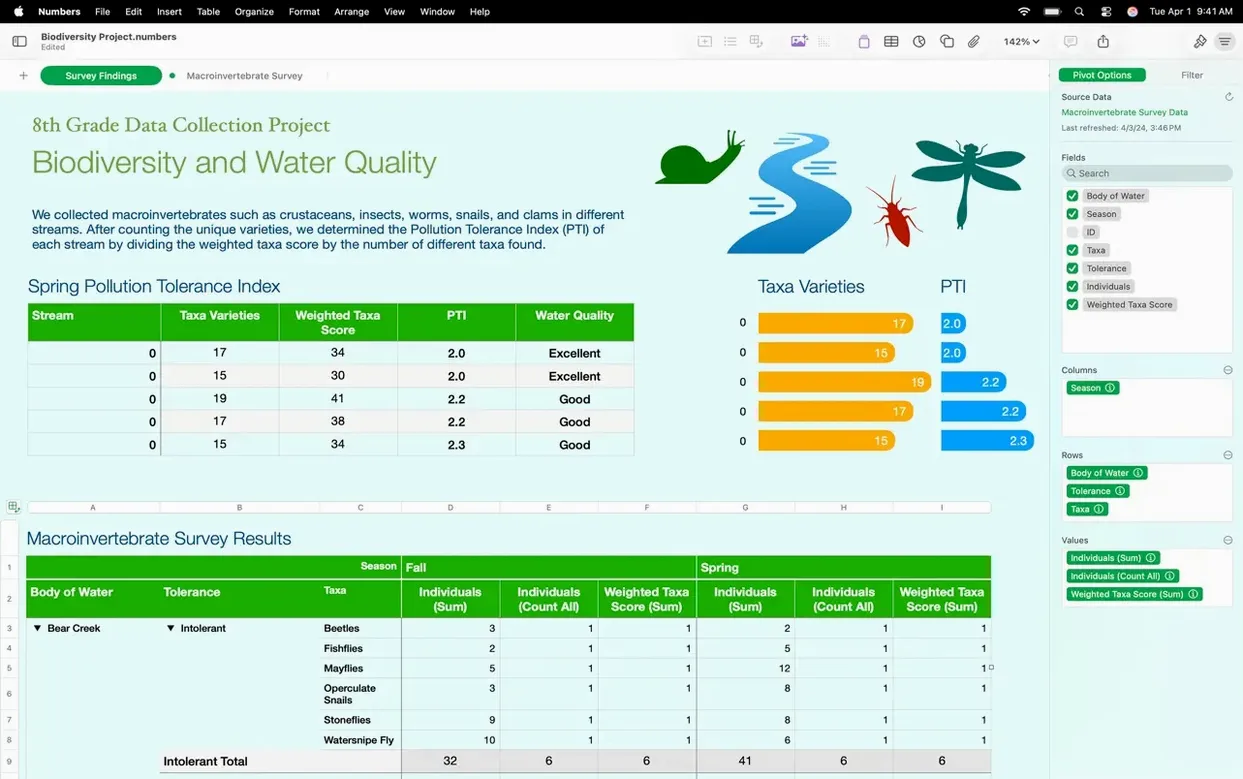
Start with a blank grid or a template. Pivot tables and categories help you organize data without manual sorting. Filtering large tables by value, text, or duplicates keeps things manageable.
Chart the Numbers
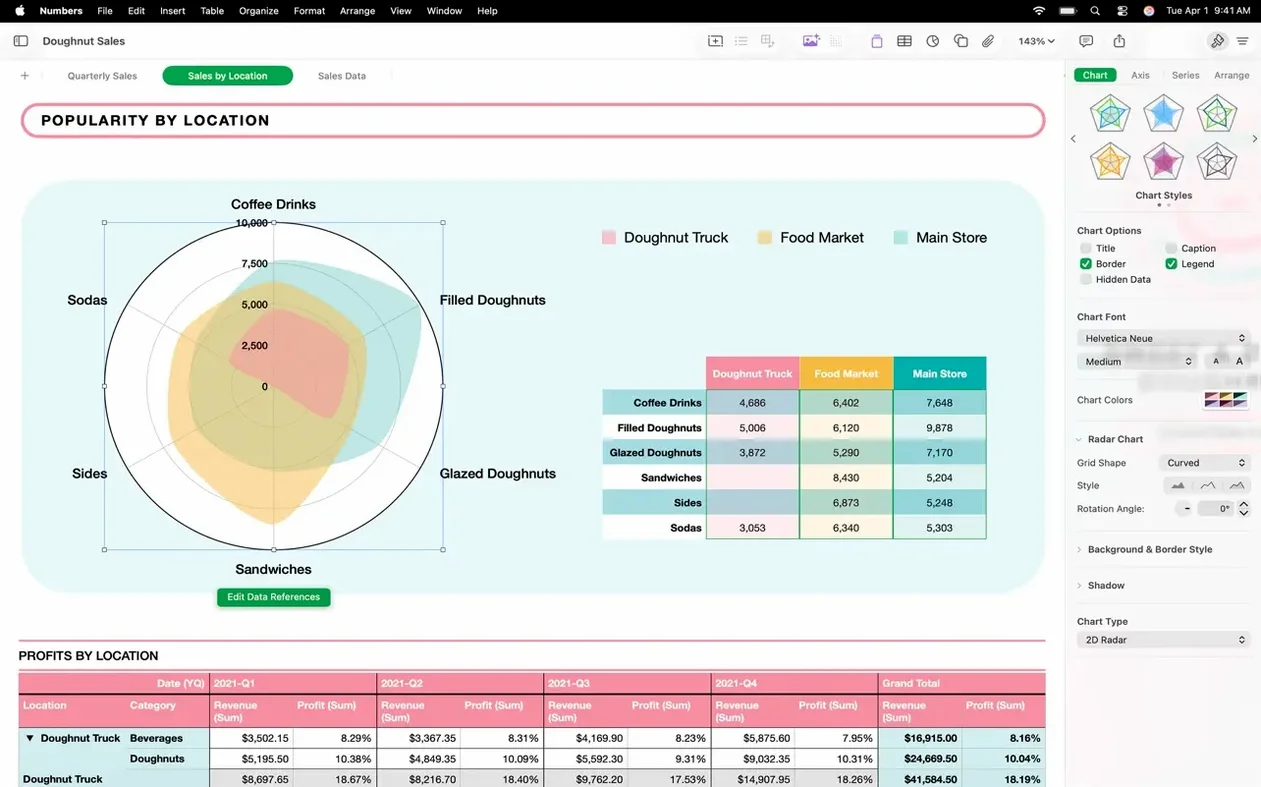
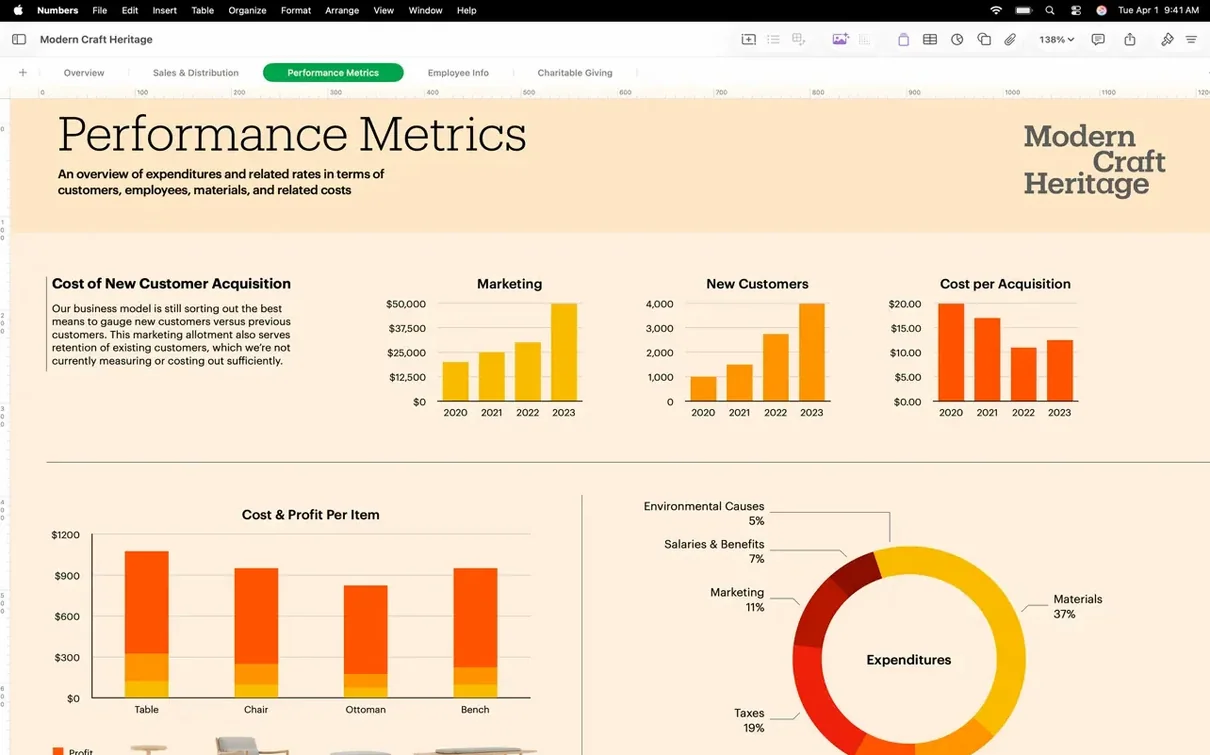
Turn rows into interactive bar, column, bubble, and scatter charts. Need a classic look? 2D and 3D options cover bar, line, area, pie, donut, and radar.
First-Day Settings Worth Changing
Open a new blank spreadsheet and check the toolbars. If you usually work with the formula bar visible, make sure it stays on. The default font or gridline color might not suit your screen — adjust those in the spreadsheet properties before you start entering data.
Sheet Tabs and Navigation
Color your sheet tabs from the start. Right-click a tab to assign a color, which makes jumping between budgets, invoices, or raw data faster without reading the label each time. If you have many sheets, hide the ones you do not need right now using the sheet menu. Only the visible tabs show in the tab bar.
Cell Controls You Will Use
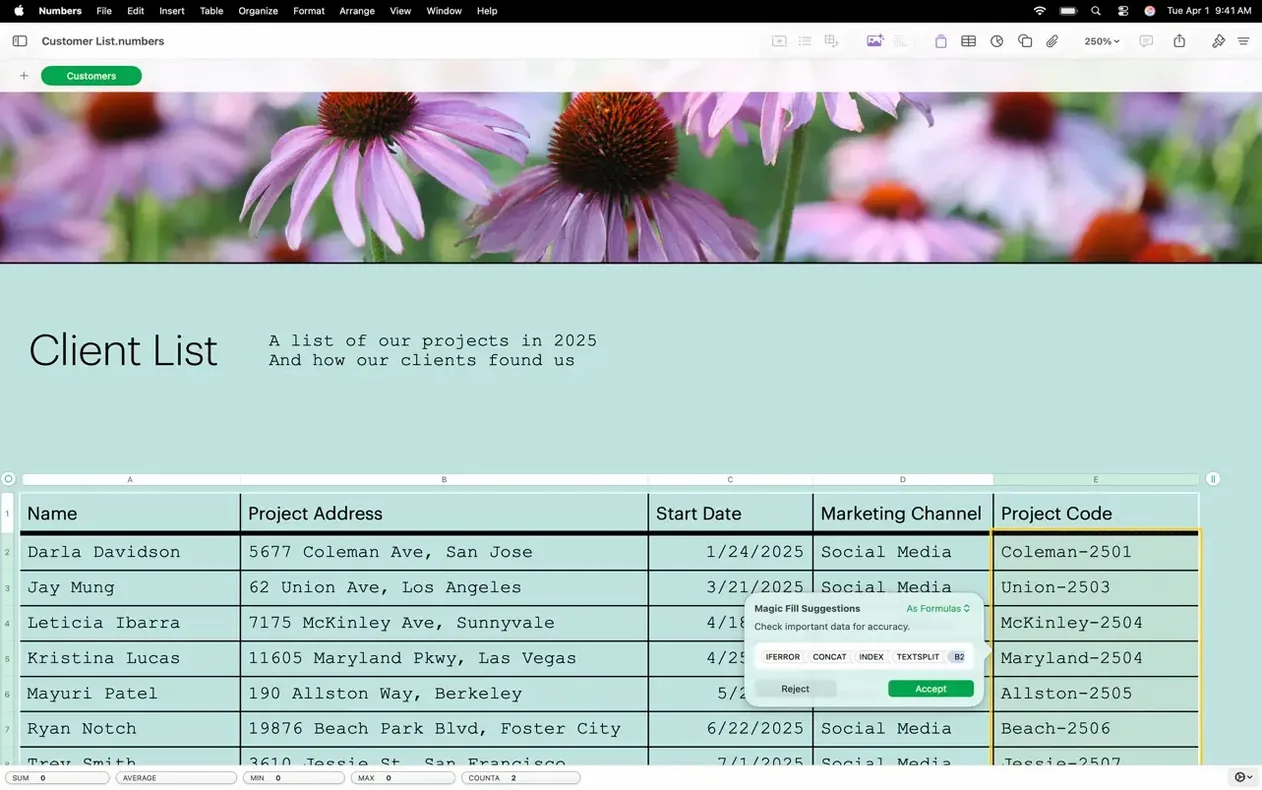
Instead of typing every value, set up a slider or a pop-up menu for a cell. This works well for quantities, ratings, or status fields. Checkboxes and star ratings keep data entry clean, especially when sharing the file with someone who is not familiar with spreadsheets.
Image Replacement via Content Hub
When you need to swap a logo or a photo in a sheet, select the image and use the Content Hub to pick a new one. The new picture keeps the same position and size, so you do not have to re-lay out the sheet.
Export and Share Decisions
If you plan to send the spreadsheet to someone who uses Excel, export to Microsoft Excel format before sharing. For printable copies, PDF is the safer route. CSV or TSV exports work well if the recipient only needs plain data without formatting.
Hundreds of Functions, Interactive Charts, Duplicate Filters
- Hundreds of built-in functions are in the function browser. Browse by category instead of scrolling.
- Interactive charts update as you change cell values with sliders or steppers. No need to rebuild the chart.
- Filter duplicates quickly when cleaning imported CSV data.
Keep It Organized
Use categories to group rows by project or department. Pivot tables then summarize those categories without extra formulas. For large files, hide completed sheets instead of deleting them. You can unhide them later if you need the data.
Import and edit Microsoft Excel and CSV files directly. The interface supports 32 languages, so you can work in the one you prefer.
- Added colors to sheet tabs
- Hide or show individual sheets for quick navigation
- Easier image replacement from the Content Hub
- macOS 15.6 or later
- Intel or Apple Silicon Mac
Questions I get about this line
The current version requires macOS 15.6 or later. It runs on both Intel and Apple Silicon Macs.
The install order
- Open the downloaded disk image.
- Drag the app to the Applications folder alias.
- After copying finishes, open the app from Launchpad.