Free download (19 MB) Previous versions
- Version
- 1.6.6
- Developer
- Apptorium
- Languages
- Russian, English, German, Spanish, Italian, Portuguese
- License type
- K'ed by TNT team
| macOS range | macOS 13 or later |
|---|---|
| Chip | Apple Silicon, Intel 64-bit |
| Download | 19 MB |
| Previous versions | 5 on file |
Screenshots
Click a screenshot to see it wider.
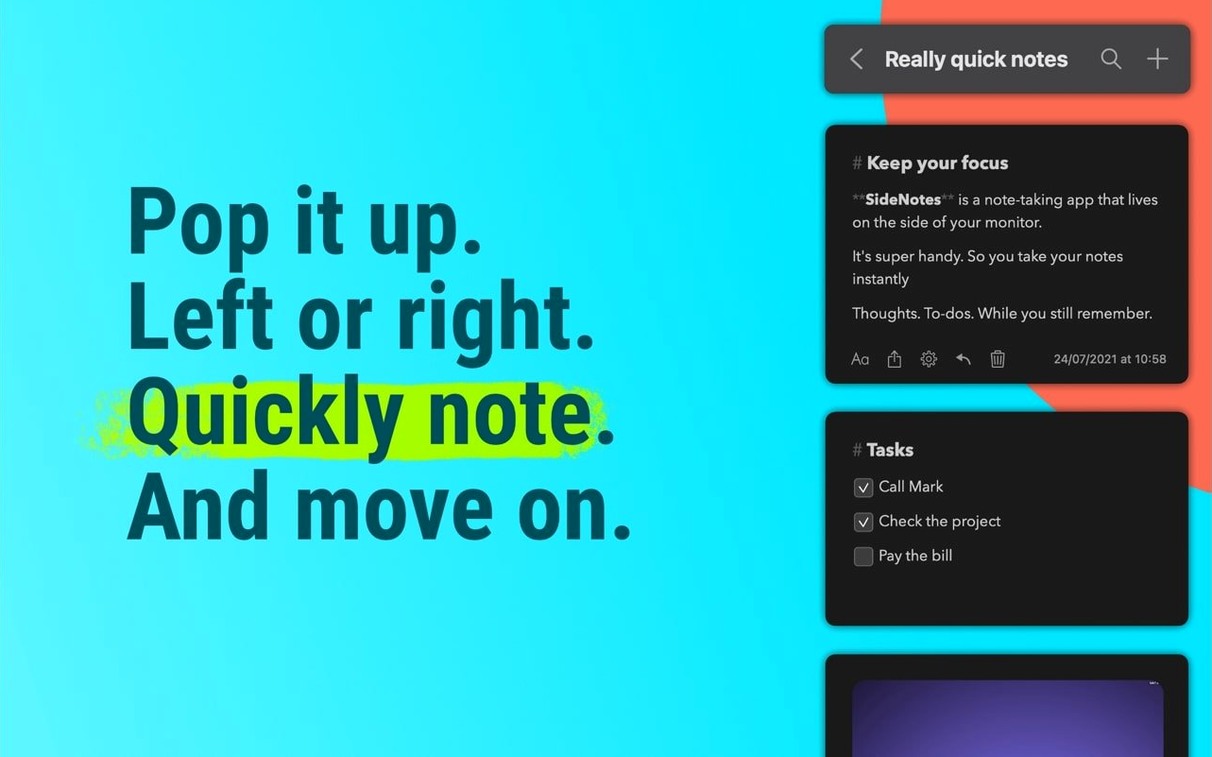
SideNotes 1.6.6 landed on September 21, 2026, and it’s a quiet update that keeps the app humming. If you already keep Notes, Reminders, and Messages in rotation, SideNotes fits alongside them rather than replacing anything.
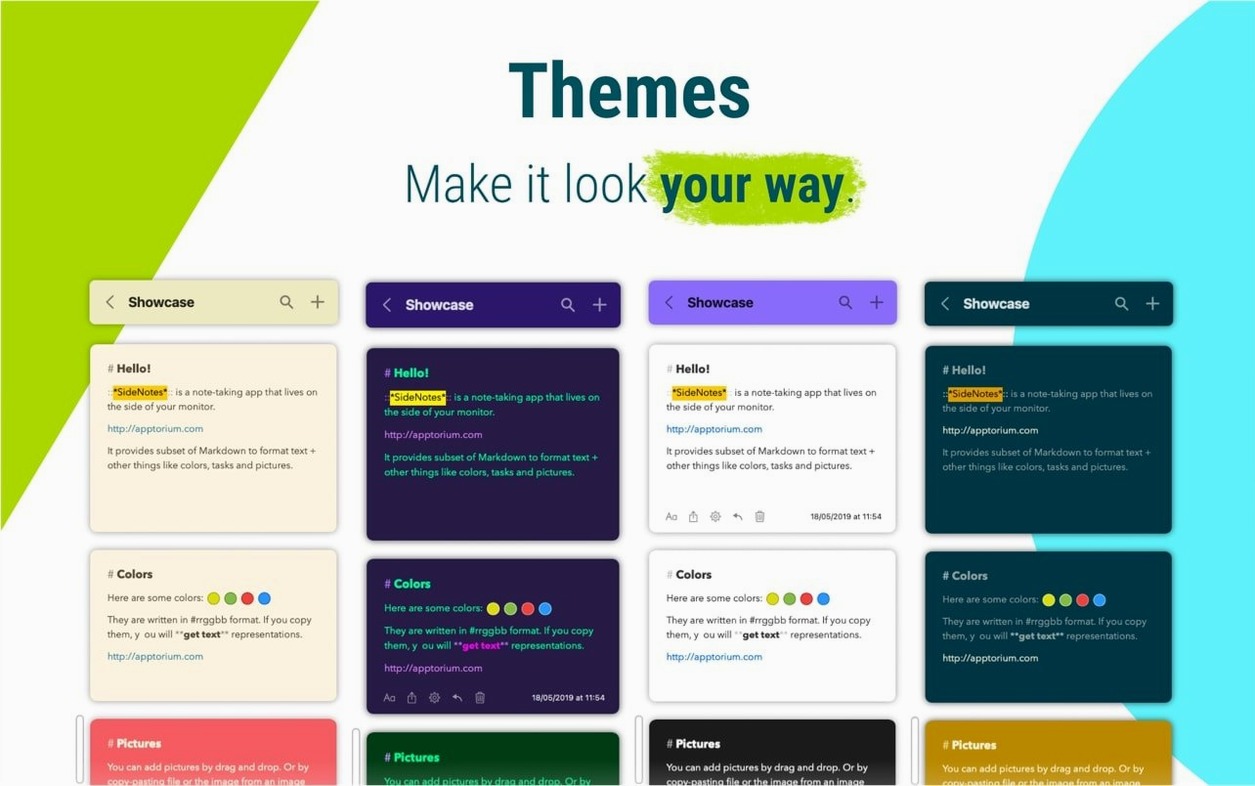
The app parks a notes panel on either the left or right edge of your screen. That’s its whole trick, and it works. You can drop in plain text, Markdown-formatted notes, monospace code blocks, or images without switching windows. It’s the kind of thing you reach for when a sticky note is too small and a full Notes window is too much.
Sharing is where it gets useful. A note can go straight to Reminders, Notes, or Messages, so it doesn’t trap your content. That makes SideNotes a decent middle layer: jot it down on the edge, then push it to wherever it needs to live.
The app runs on macOS 13 or newer, on both Apple silicon and Intel Macs. The iPhone and iPad companion, SideNotes Mobile, extends the same notes to your pocket. For a notes utility, that’s a solid spread.
First Days With SideNotes
Get the panel placed early. Try the left side for a day, then the right. One side will feel more natural for your workflow. Set the keyboard shortcut for show/hide before you need it — muscle memory forms fast.
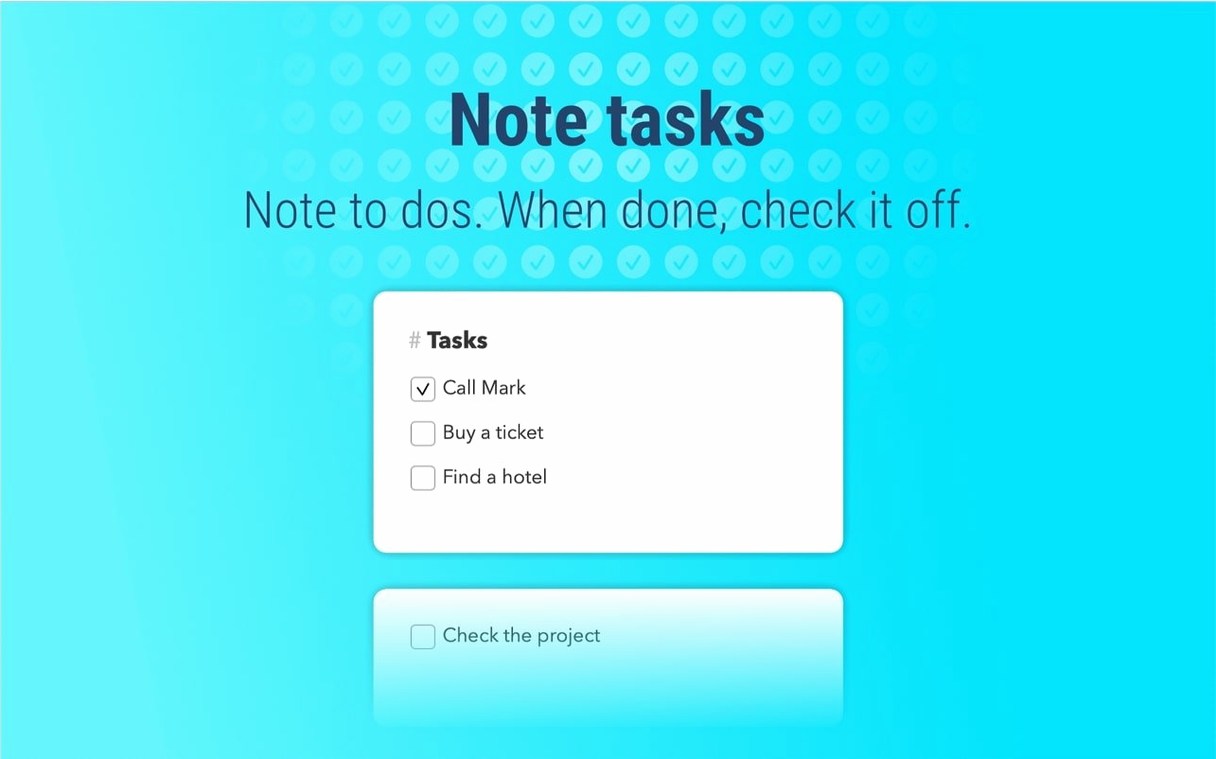
Create a few folders on day one. "Quick notes," "Code snippets," "Tasks." It takes thirty seconds and saves digging through a flat list later. Start one note with task checkboxes to see if that pattern sticks. If it does, build more. If not, keep it text-only.
Use monospace for any pasted code right away. The formatting holds better than pasting into a plain note. Markdown can wait until you have a note that needs headers or lists.
Scenario: A Developer Keeping Snippets
A freelance web developer works across projects in VS Code, iTerm, and Safari. They keep SideNotes pinned to the right edge. When they find a useful curl command or a CSS snippet, they copy it into a monospace note in the "Code" folder before the browser tab closes. Later, when a client asks for the same fix from three months ago, they search the side panel instead of digging through git history or a messy Notes app. The note gets shared to Messages for the client. It takes about four seconds.
The same developer uses task checkboxes in a "Today" folder for small non-code tasks — "update DNS," "email invoice," "test login flow." It keeps browser tabs free and the to-do list visible without switching apps.
Requires macOS 13 and SIP Disabled
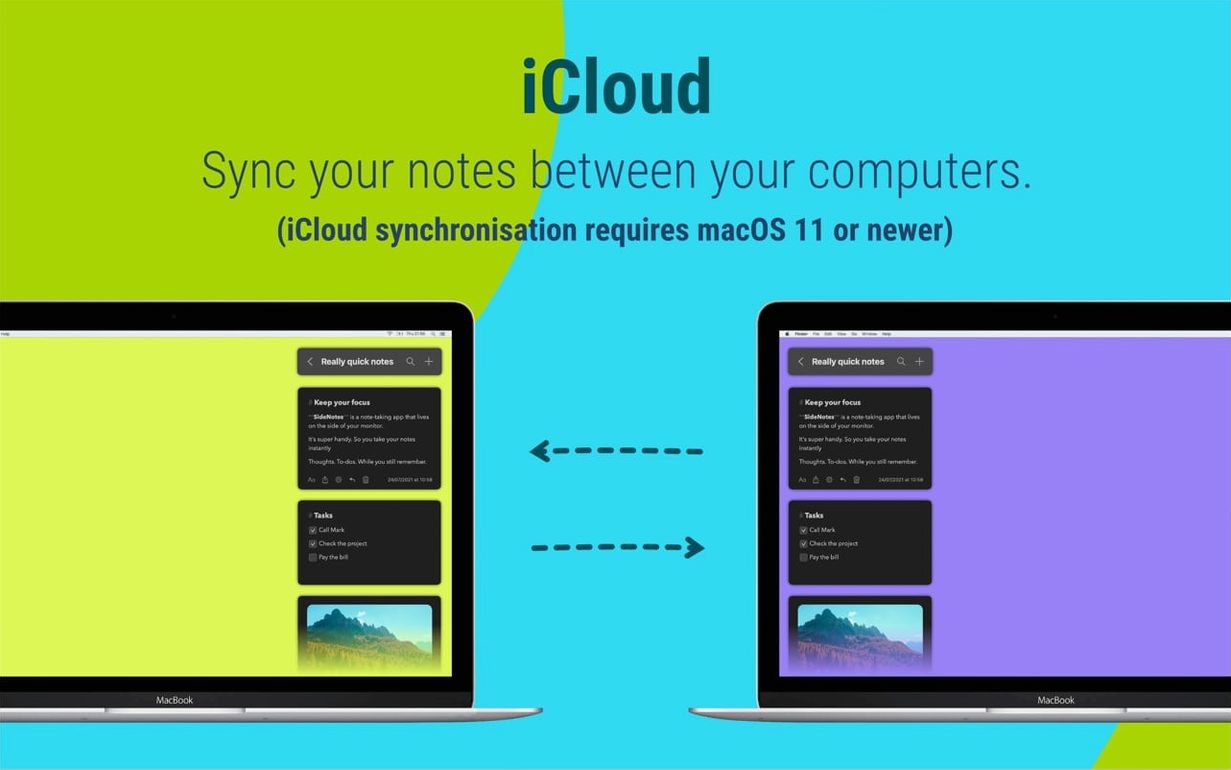
SideNotes requires macOS 13 or newer. It runs on both Apple Silicon and Intel Macs. The installer includes instructions to disable SIP before installation — follow that step. The app itself is light; it lives in the panel and stays out of the way until you call it. Notes sync through iCloud, so if you use SideNotes Mobile on an iPhone or iPad, the same notes appear there. No extra sync service needed.
The interface is available in six languages: Russian, English, German, Spanish, Italian, and Portuguese. Set it once and it stays set.
- Release 1.6.6 dated September 21, 2026.
- macOS 13 or newer
- Apple Silicon or Intel
Questions I get about this line
Yes. SideNotes can send notes through Reminders, Notes, and Messages, so you can move content to the app that fits the task.
The install order
- Mount the disk image and run Open Gatekeeper friendly.
- Press Enter in Terminal to bypass Gatekeeper.
- Drag the app to the Applications folder.
- Disable SIP, as required by the installer instructions.