- Version
- 4.3.7
- Developer
- Tupil B.V.
- Languages
- English
- License type
- K'ed by TNT team
| macOS range | macOS 10.15 or later |
|---|---|
| Chip | Intel 64-bit |
| Download | 19 MB |
Screenshots
Click a screenshot to see it wider.
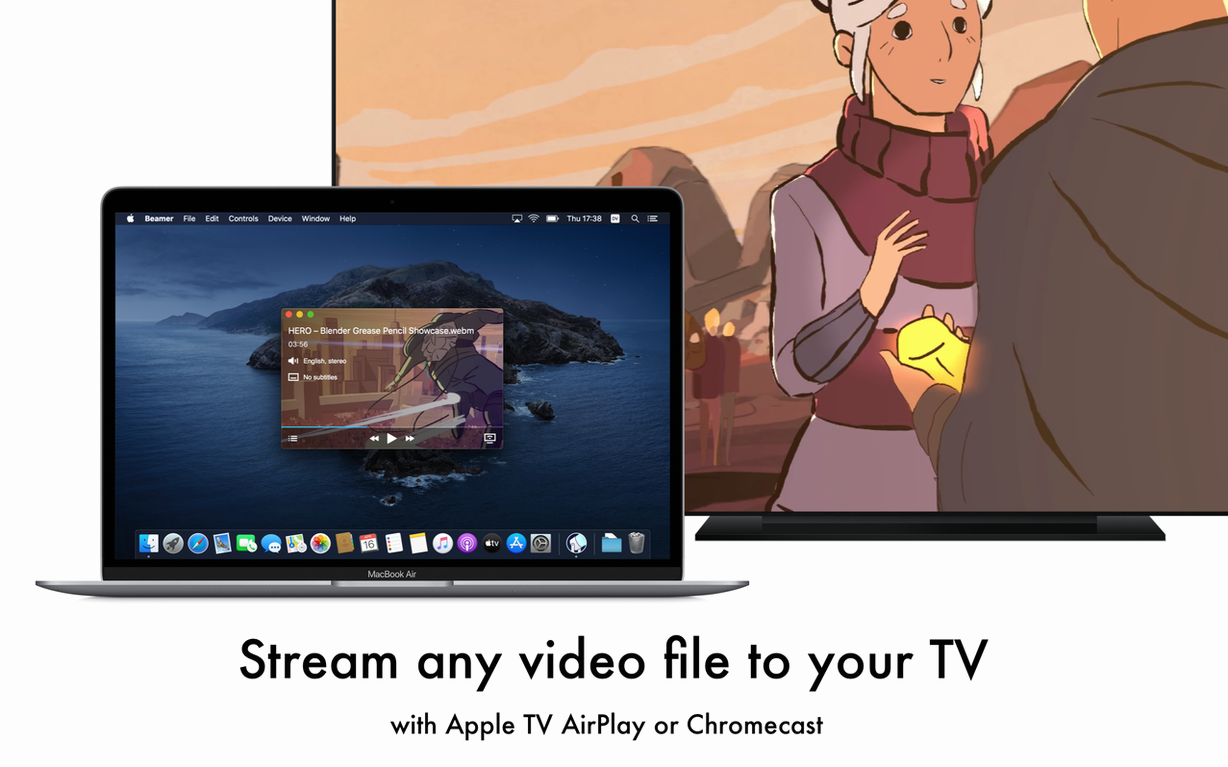
Beamer runs on any Mac with macOS 10.15 or later, including Intel models. It’s a lightweight utility that streams local video files straight to your Apple TV, so you don’t need to convert or re-encode anything first. That fits nicely next to your existing tools—like a media player or file manager—because it handles just one job: getting the video from your Mac to the big screen.
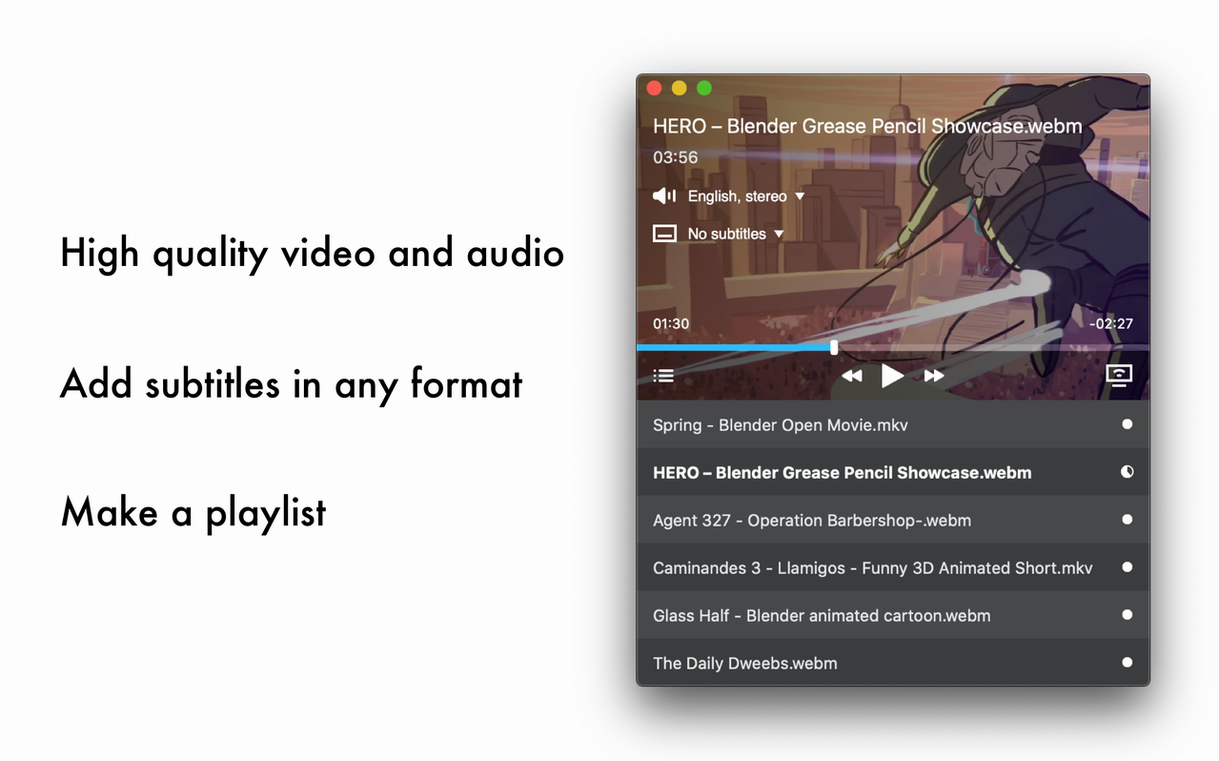
The app supports AVI, MKV, MOV, MP4, WMV, and FLV, which covers most files you’ll have sitting on your drive. Subtitles in SUB and SRT formats load right along with the video. You can control playback with the Apple TV remote, so no extra setup is needed once it’s running.
Version 4.3.7 keeps the interface simple, which is the point. You drag a file in, pick your Apple TV, and it plays. For a Mac user who already juggles a handful of utilities, Beamer is a quiet addition that saves you from transcoding headaches.
Beamer vs Plex: No Server Needed
If you have used Plex, you know it’s a full media server that indexes your library and needs a server app running in the background. Beamer does none of that. It’s not a server. It’s a direct one-to-one stream from your Mac to Apple TV, no library setup required.
Another option is AirParrot, which focuses on screen mirroring and casting from apps like VLC. Beamer is more straightforward for local files. You drag the file in, it plays. AirParrot works for what it does, but Beamer cuts out the middleman for video containers like MKV and AVI that Apple TV won’t play natively.
HandBrake converts video files, which is a completely different workflow. If you have a file that Apple TV won’t touch, HandBrake can re-encode it – but that takes time. Beamer streams the original file as-is. For quick playback, Beamer saves you the wait.
Workflow With Other Apps and macOS Features
Beamer fits naturally into a setup where you use Finder to locate files and drag them from the Finder window straight into Beamer’s window. No need to copy the file anywhere first. You can keep the file in its original folder.
If you use a torrent client like Transmission or qBittorrent on your Mac, you can drag a completed download from the client’s list right into Beamer and watch it on Apple TV seconds later. That’s a clean workflow for TV shows and movies.
Beamer respects macOS’s standard file permissions and doesn’t need any special system access. It lives in your Applications folder and launches when you need it. For surround sound and subtitles, it handles those streams without extra configuration, so it plays nice with files you already have organized by format.
- macOS 10.15 or later
- Intel architecture
Questions I get about this line
Yes, Beamer supports SUB and SRT subtitle files, so you can watch with captions or translations.
The install order
- Mount the disk image and run Open Gatekeeper friendly.
- Press Enter in Terminal to bypass Gatekeeper.
- Drag the app into the Applications folder.
- Start the app after installation.