- Home
- VST Plugins
- Roland Cloud BOSS Effects Pedals
Free download (65 MB) Previous versions
- Version
- 1.1.0
- Developer
- Roland Corporation
- Languages
- English
- License type
- K'ed by TEAM HCiSO
| macOS range | macOS 12 or later |
|---|---|
| Chip | Apple Silicon, Intel 64-bit |
| Download | 65 MB |
| Previous versions | 1 on file |
Screenshots
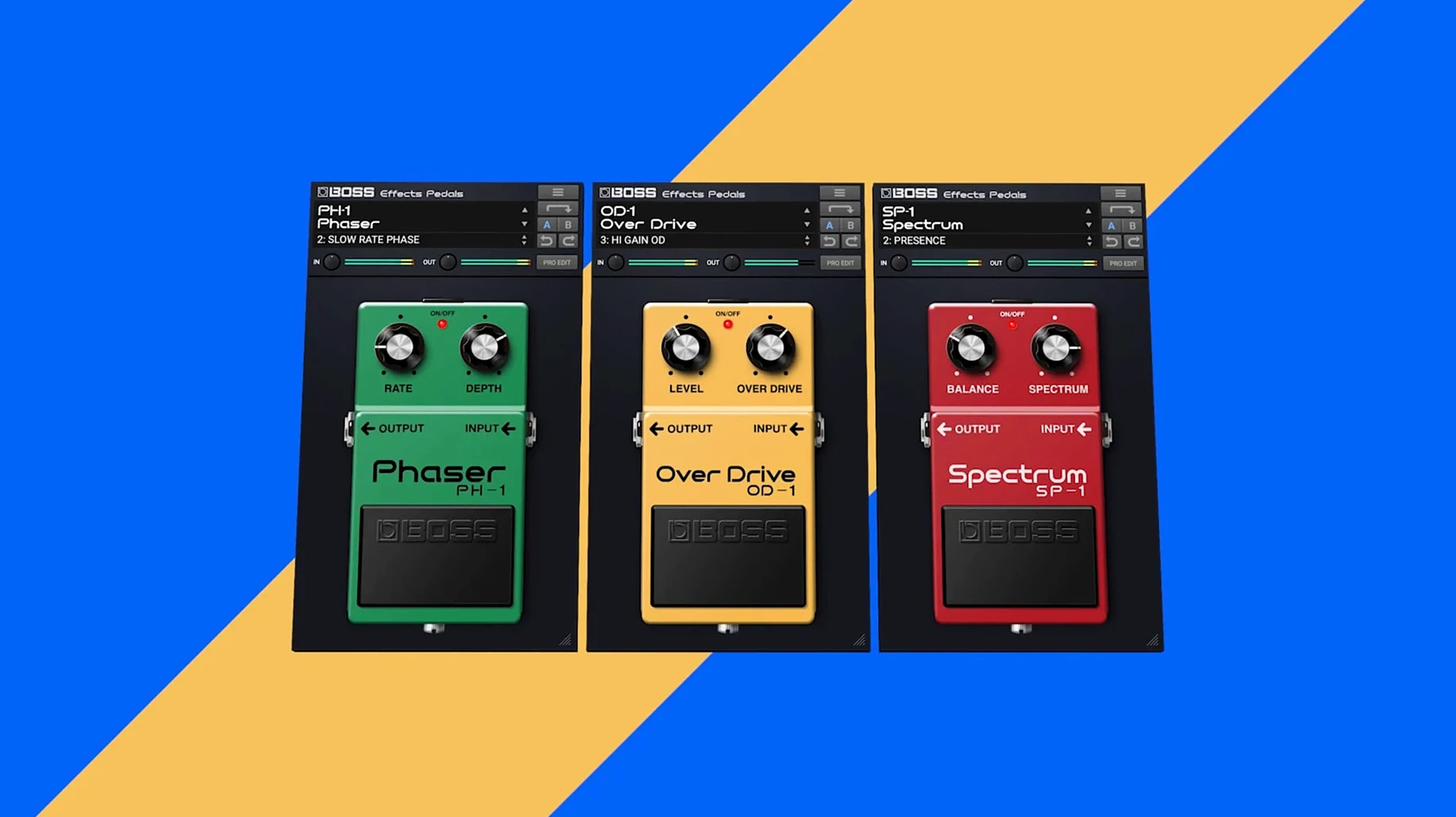
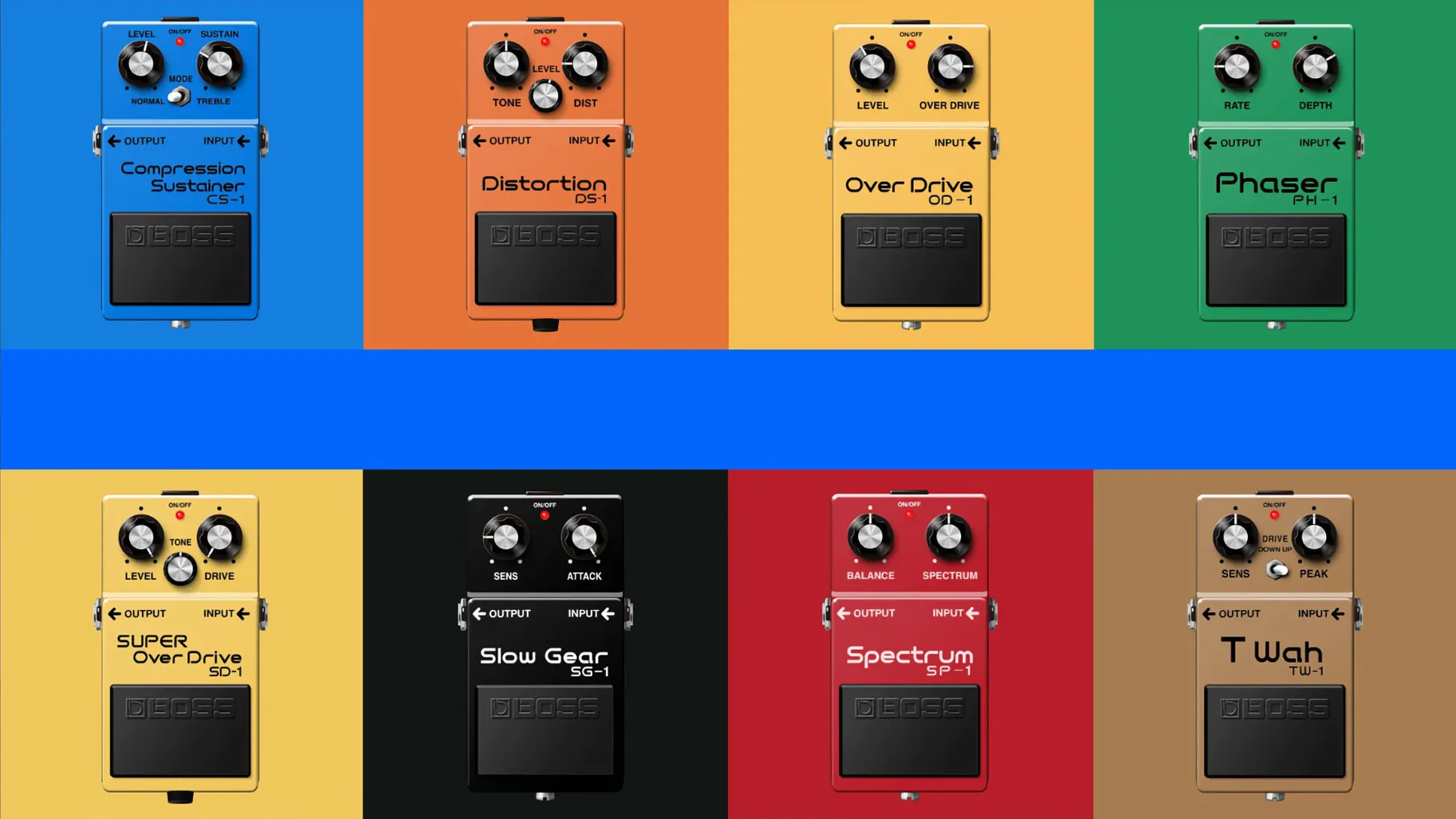
Click a screenshot to see it wider.
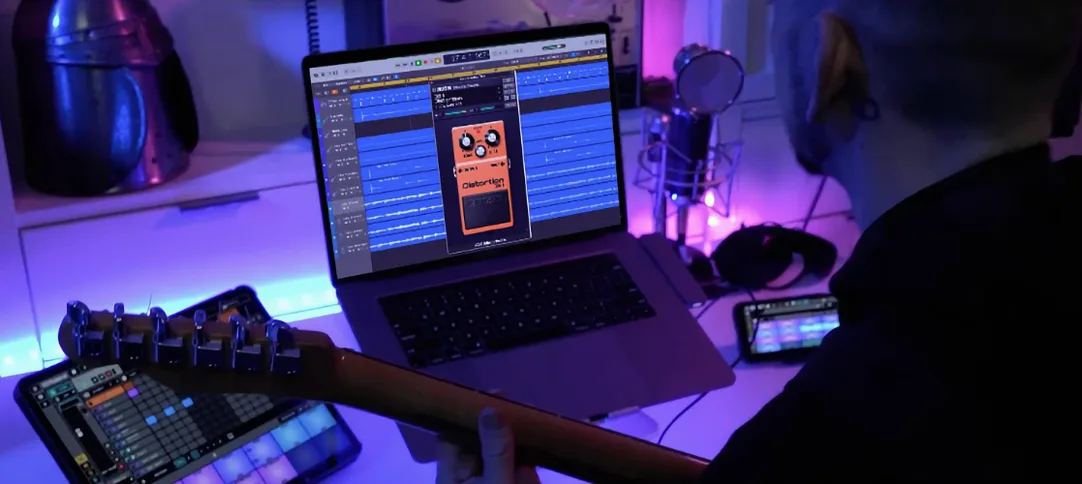
When a guitar track needs that specific BOSS crunch, but the physical pedal isn't on the desk, the Roland Cloud BOSS Effects Pedals plug-in fills the gap. It puts the compact pedal sound inside the DAW, so you can dial in the tone without leaving the mix.
Insert on guitar tracks or blend via send/return
- Tracks: Insert it directly on a guitar or bass channel for classic overdrive, distortion, or modulation.
- Buses: Use it on a send or return to blend a pedal effect in parallel, keeping the dry signal intact.
- Other sources: It handles keyboards, vocals, and more, so a delay or chorus can shape any part.
One pedal at a time
The plug-in loads one effect from its library of 16 BOSS pedals. That keeps the workflow simple: pick the pedal, adjust the knobs, move on. Version 1.1.0 doubles the launch lineup, giving you more classic sounds in one place.
For guitarists, bass players, and producers tracking or mixing
This plug-in is for anyone who tracks or mixes with guitar, whether you are a songwriter laying down scratch takes or a producer building a final mix. It works just as well for bass players who want a consistent pedal tone across a project and for electronic musicians who want to add an analog-style grit to synth lines or drum loops. If you already own a few BOSS pedals but need to recall those sounds after a session, this keeps the tone in the box without patching hardware.
Engineers who handle post-production or virtual instruments also get mileage out of it. The effect can shape a vocal performance with a touch of sustain from the CS-1 or add a wobble to a keyboard pad with the PH-1. Because it is a plug-in, you can automate the bypass and parameters, which is harder to do with the stompbox version.
Plug-in missing in DAW or no sound after install
- Plug-in not showing in the DAW. After installation, scan your plug-in folder. On macOS, check that the .component or .dll file landed in the correct
VST3orAUdirectory. Restart the DAW and rescan. - No sound when the plug-in is active. Confirm the track is routed to a working output. The plug-in does not add a default output; you must have an audio signal path after it. Also check that the pedal is not set to fully dry or fully wet in bypass mode.
- Only the launch pedals appear. The library updates through Roland Cloud Manager. Make sure you are logged in and the catalog is refreshed. The DM-2, OD-2, and DC-2 are part of the current 16-pedal set; if they are missing, the library may need a manual sync.
- Latency when playing live through the plug-in. Lower the buffer size in your audio interface or DAW settings. This plug-in runs on the computer, so real-time monitoring adds the standard DAW latency.
- Host crashes or freezes on load. Update to the latest version of your DAW and of Roland Cloud Manager. If the problem persists, remove the plug-in from the folder, restart, then reinstall version 1.1.0.
Most issues come down to folder paths or a stale library cache. A clean install and a DAW rescan usually clears them up fast.
- Library expanded from 8 to 16 BOSS pedals.
- macOS 12 or later
- Intel or Apple Silicon
The install order
- Run the standard installer.